Setup
Warframe Cheat Menu Settings for Clean, Readable Overlays
Default cheat menus often ship with every toggle on and maximum brightness. That is fine for a screenshot, terrible for a 40-minute Survival. Here are settings that keep Warframe readable and your advantage subtle.
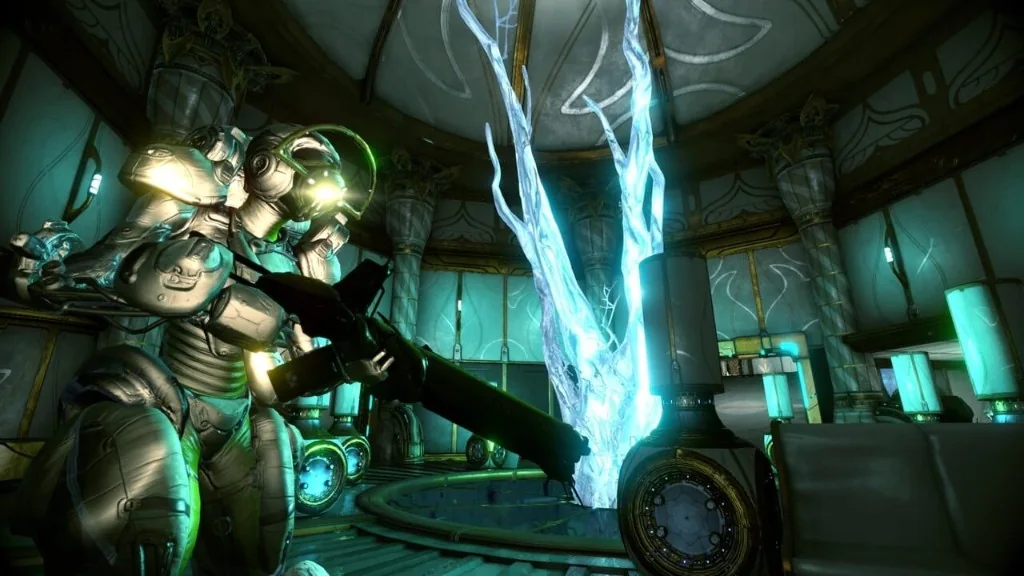
ESP color and distance first
Pick two colors max — one for enemies, one for loot. High-contrast outlines beat rainbow boxes. Set a distance cap so only relevant threats render; 50–80 meters works for most indoor tilesets, higher for open worlds.
Disable categories you are not using this mission. Capture needs enemies; resource farms need loot. Less clutter means faster decisions.
Aimbot toggles and hotkeys
Bind a panic key that disables aim assist instantly for cutscenes, dialogs, and relay visits. Separate toggles for primary and secondary weapons prevent sniper magnetism during pistol cleanup.
Details on values: aimbot settings guide and Aimbot page.
Performance and streamproof
If FPS drops in the Void or dense Survival, reduce ESP entity count before blaming Warframe itself. Streamproof should stay on if you record — test capture once per driver update.
Setup walkthrough: Setup and streamproof guide.
Further reading
Official Warframe pages and coverage for this article.